
About the name: Meridian and the people in this story are fictional. This illustrative product scenario is based on WatchDeck’s actual maintenance workflow; it is not a customer testimonial or a claim of measured results.
The vessel and the maintenance trigger
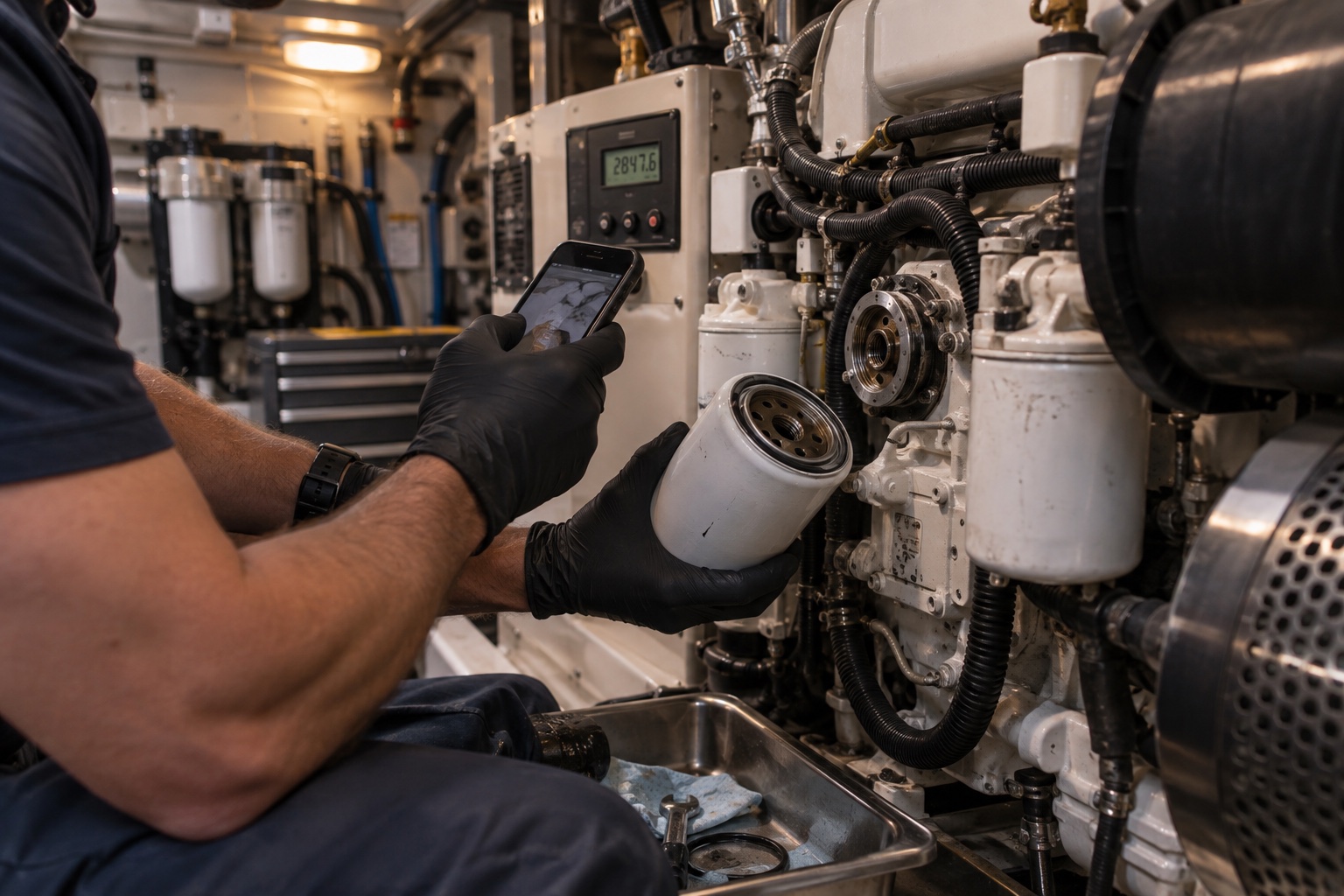
A cruising trawler relies on a diesel generator for power away from shore. The generator has reached 1,657 hours. Its oil-and-filter service repeats every 200 operating hours.
The task matters because it combines several pieces of information that are often kept separately: the live hour-meter reading, the service interval, the correct filter, the work instructions, and the record of when the previous service was completed.
The problem with a simple checklist
A paper checklist can say “change generator oil,” but it rarely answers every question the person doing the work needs:
- Which generator does this task belong to?
- Is it due now, and which reading made it due?
- Are the oil filter and consumables aboard?
- What reading should be recorded at completion?
- When does the task need to happen again?
- Where will the receipt, photo, or note live afterward?
If those answers stay in different places, completing the job creates another round of administrative work. If that follow-up is missed, the next due point becomes uncertain.
The WatchDeck setup
- The generator is an equipment record.Its identity, current hours, documents, and maintenance history remain connected.
- The task is linked to that generator.“Change oil and filter” carries a 200-hour recurrence and can identify required parts and instructions.
- The current meter reading is 1,657 hours.WatchDeck uses the equipment’s current reading as the completion-hour default, while allowing the user to correct it.
- The task appears where the crew works.Due status, parts readiness, and task detail are visible without searching a separate maintenance file.
The person completing work should not have to retype a known meter value. They can change it when the physical gauge shows a more accurate reading.
Completing the work at 1,657 hours
The crew opens the task after changing the oil and filter. The completion form starts with the generator’s current 1,657-hour reading. “Update asset hour meter” remains selected, so the equipment record and maintenance record stay aligned.
Work Performed By, notes, photos, and an invoice can add context when available. They are not used to conceal a required validation failure: if information required by the workflow is missing, the form explains what needs attention; if saving fails, the user receives an actionable error.
The resulting vessel record
| RECORD | AFTER COMPLETION |
|---|---|
| Open task | Removed from active work |
| Service history | Oil and filter change recorded at 1,657 hours |
| Equipment hours | Confirmed or updated to 1,657 hours |
| Recurring schedule | Next service due at 1,857 hours |
| Supporting context | Performer, notes, photos, and invoice retained when supplied |
The task list refreshes immediately, but the important result is persistence. After a page refresh, the completed record remains in history and the new recurring interval remains attached to the generator.
What this workflow changes
The service itself has not become more complicated. The information around it has become dependable. The next person can see what was done, the reading used, and what will trigger the following service without reconstructing the story.
That same pattern applies to main engines, transmissions, watermakers, tenders, hydraulic systems, safety equipment, and other assets that need work by date or operating hours.
Create your vessel workspace → or read the maintenance-system guide.